
 AutoCaptions
 AutoCut Silences
 AutoCut Podcast
 AutoZoom
 AutoViral
 AutoB-Rolls
 AutoCut Repeat
 AutoProfanity Filter
 AutoChapters
 AutoResize
 Help Center
 Blog
Blog Discord
 YouTube
 Ambassador
What’s new !
AutoCut Updates
We keep AutoCut fresh with regular updates — new features & improvements so you can edit faster and smarter, every day

AutoCaptions
We’ve rebuilt part of AutoCaptions to deliver a more native Premiere Pro experience, better timeline performance, and significantly faster exports.
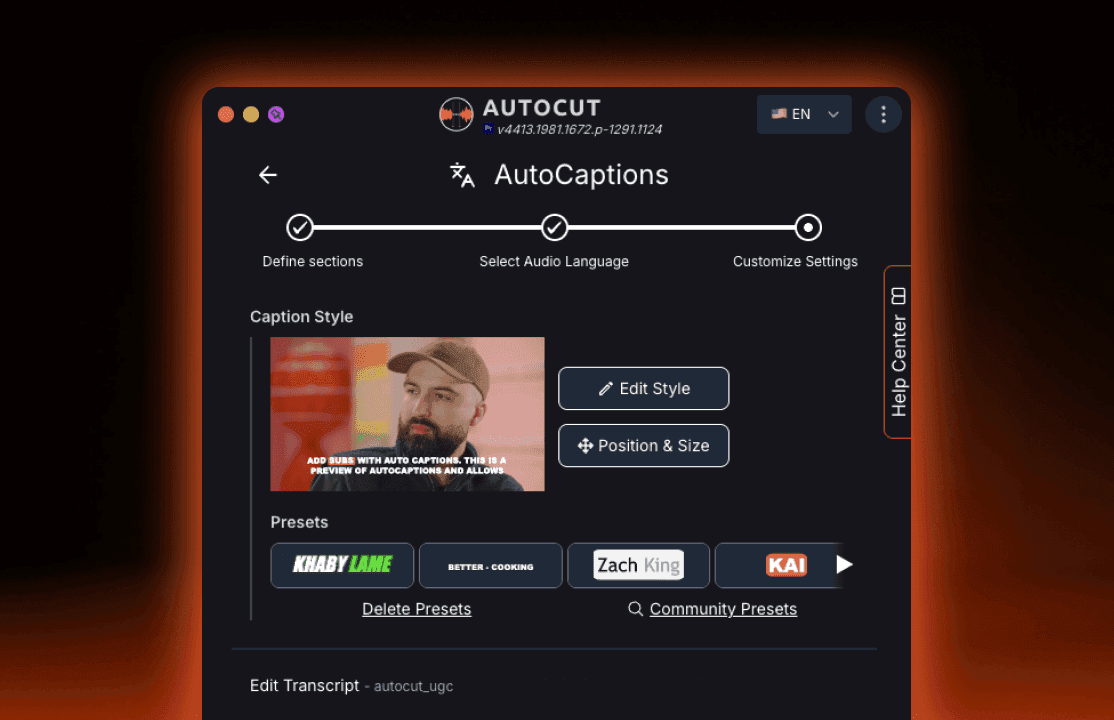
- Removal of MOGRT dependency
AutoCaptions no longer relies on MOGRT files. This removes the boxed MOGRT layers that were surrounding animated captions in the timeline. Captions are now handled more directly inside Premiere Pro, reducing timeline complexity and improving overall performance.
- Faster timeline performance
Projects with many animated captions now run much more smoothly, with more responsive playback and better stability on long or caption-heavy edits. Even dense subtitle sections are easier to manage inside complex sequences.
- Improved export speed
Export times are noticeably faster, especially on projects with multiple animated captions.
AutoCaptions is now faster, smoother, and fully integrated into your Premiere workflow.
AutoZoom
We’ve improved AutoZoom to give editors more control, better visual feedback, and smarter zoom detection.
- Camera movement
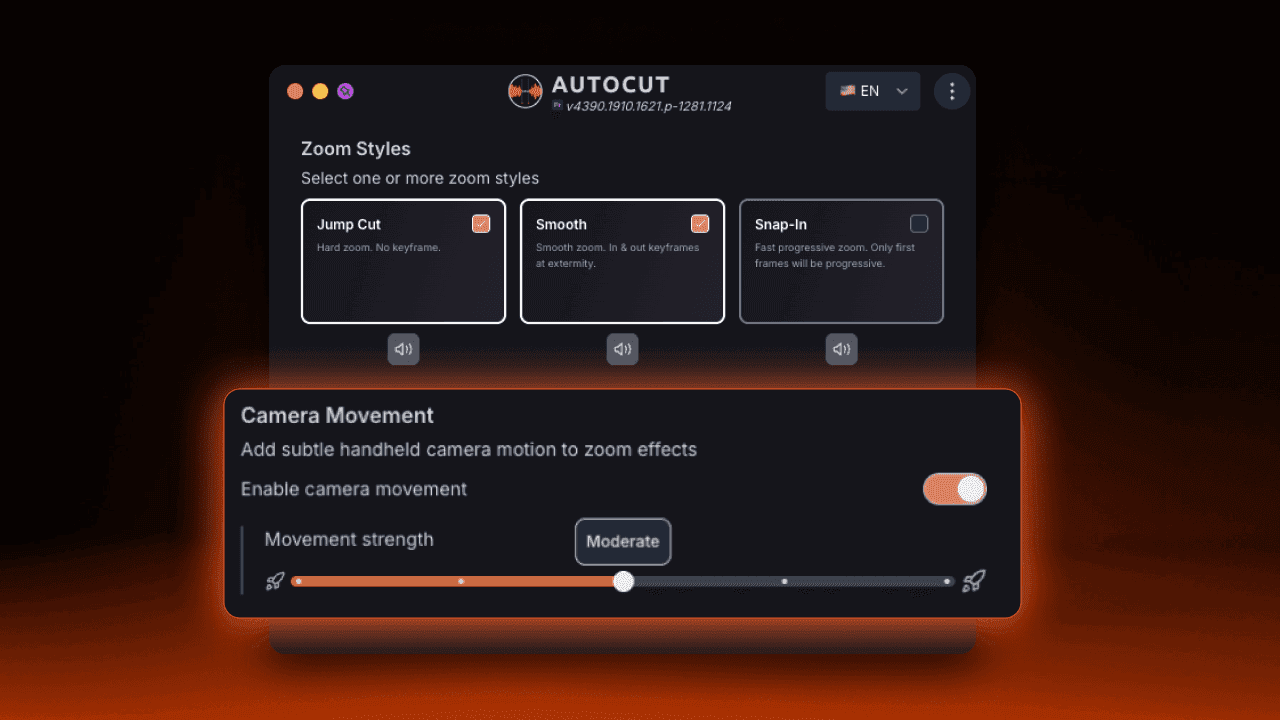
You can now add subtle camera movement to zoom effects, simulating a handheld feel for more natural and dynamic shots.
- Zoom sound effects
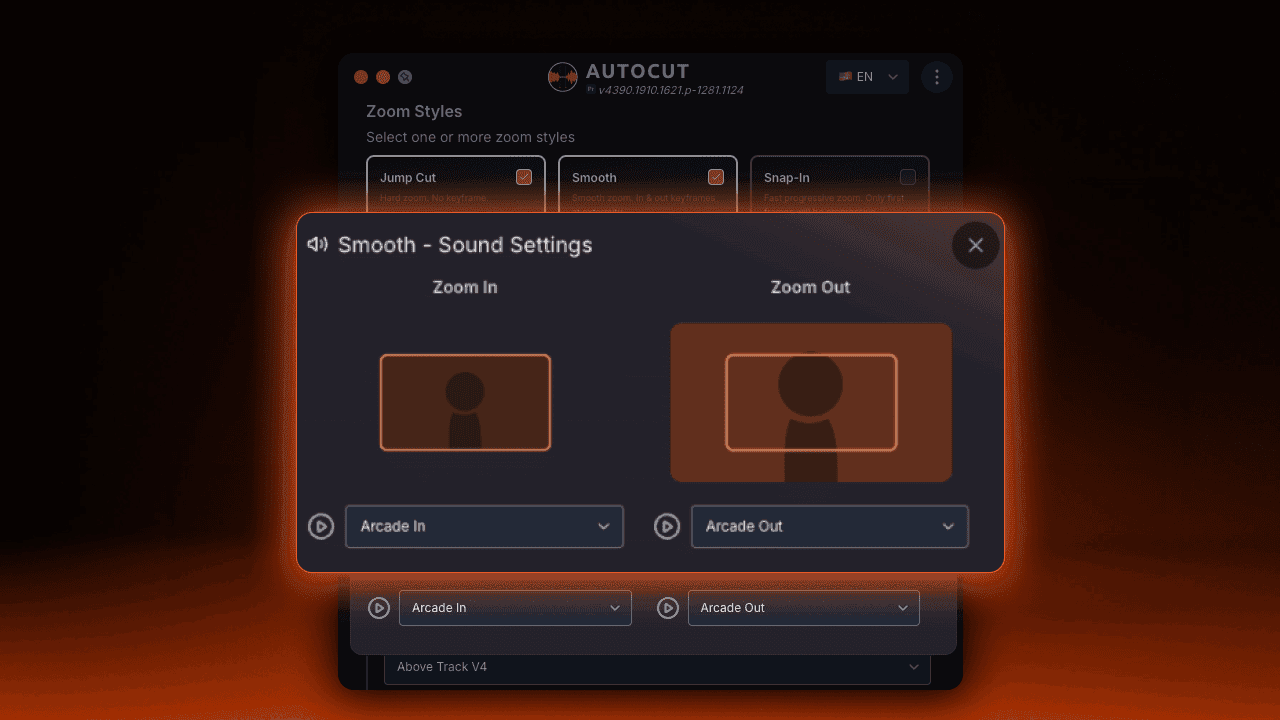
AutoZoom now supports sound effects on zoom in and zoom out, allowing you to reinforce visual emphasis with audio cues.
- Improved zoom styles preview
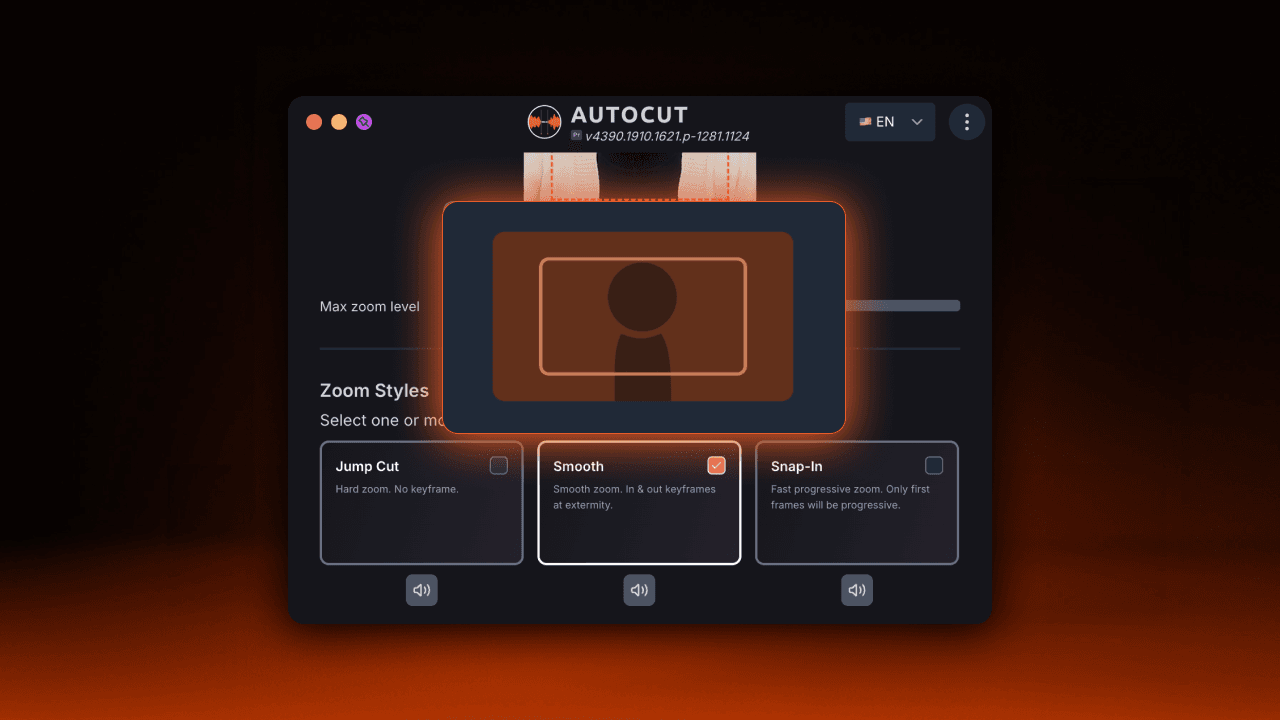
Each zoom style (Jump Cut, Smooth, Snap-In) now includes a short visual animation. This makes it easier to understand how each zoom behaves before applying it and improves overall UI clarity.
- New AI trigger : highlight meaning
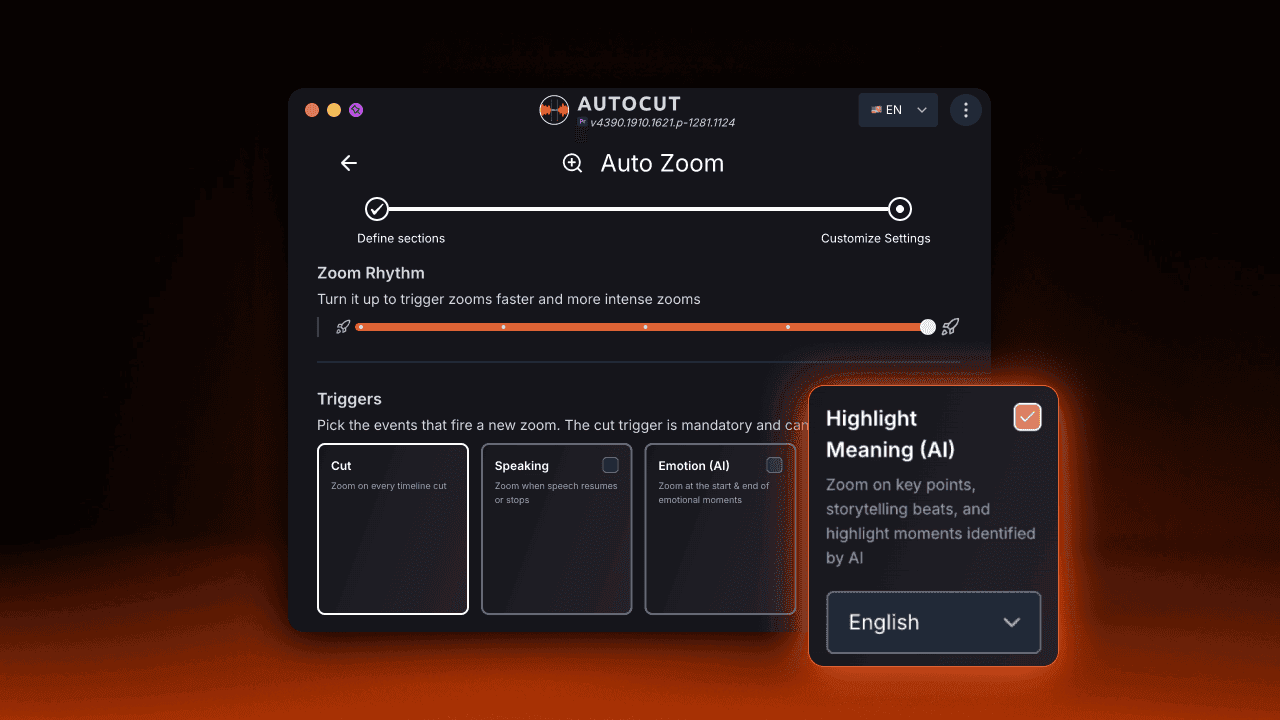
AutoZoom can now trigger zooms based on key moments detected directly from the transcript. Using AI, zooms are applied to highlight meaning, storytelling beats and important moments in speech.
This update makes AutoZoom more expressive, more intuitive, and more context-aware, while keeping full control inside your timeline.
AutoCut Podcast
We’ve improved AutoCut Podcast performance across the board.
Multicam podcast processing is now up to 3× faster on average.
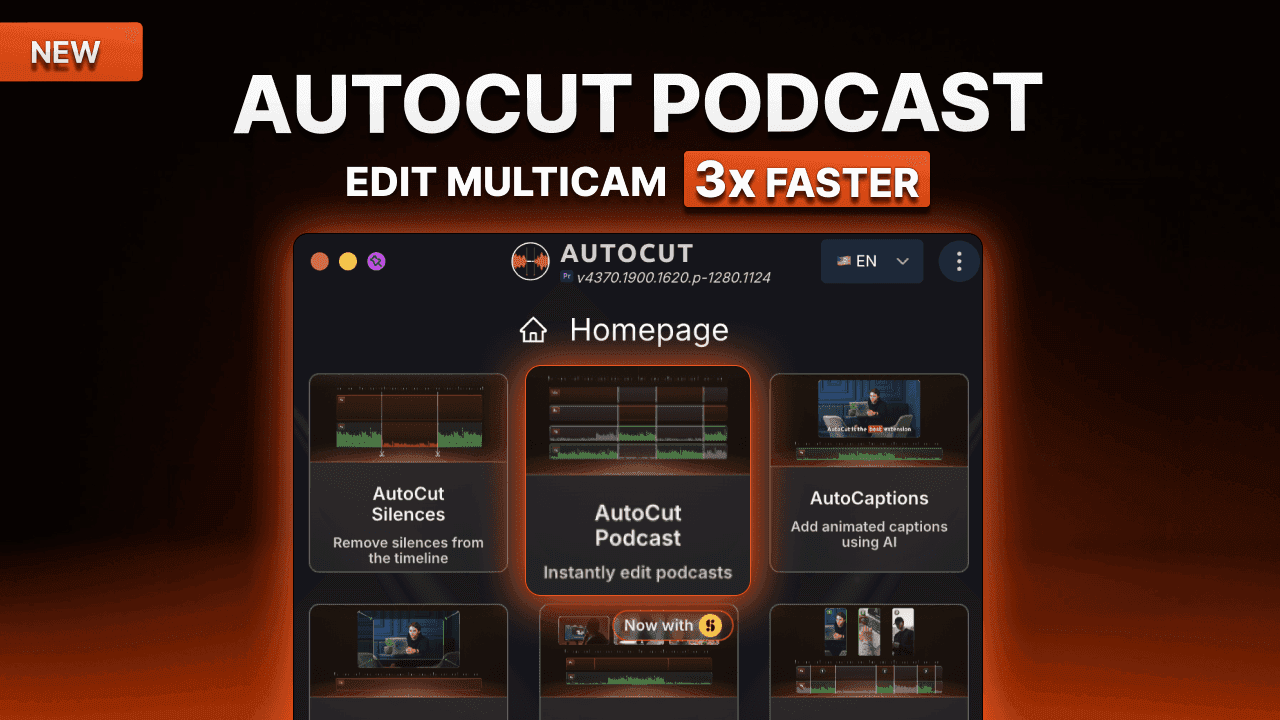
On a typical setup (1h30 podcast, 3 speakers, 4 cameras), processing time dropped from ~9 minutes to ~3 minutes.
The more complex the podcast, the bigger the gain.
Less waiting. Faster multicam edits. More room for creativity.
AutoCaptions
AutoCaptions gets a major upgrade to make caption editing faster, safer, and more precise, especially for social-first workflows.
Chunk preview (what you see is what you get)
Each caption chunk now includes a live preview of how it will appear in the video. No more guessing how captions will render : adjust timing, text and style with full visual confidence.
Safe area grid for social formats
A new safe area grid is now available, adapting automatically to major social formats. This helps you keep captions perfectly readable and avoid UI cutoffs on TikTok, Reels, Shorts and more.
Listen to your transcript
You can now play the transcript directly from AutoCaptions, with adjustable playback speed (x1, x2, and more). Proofread, review, and fine-tune captions while listening without leaving your editing flow.
Improved captions presets listing
The captions presets library has been redesigned for better readability, discovery, and consistency. Community presets are now easier to browse, compare and reuse across projects.
This update makes AutoCaptions more visual, more social-ready and more editor-friendly, while keeping full creative control inside your timeline.
News
AutoCut and the entire website are now fully available in German and Italian.
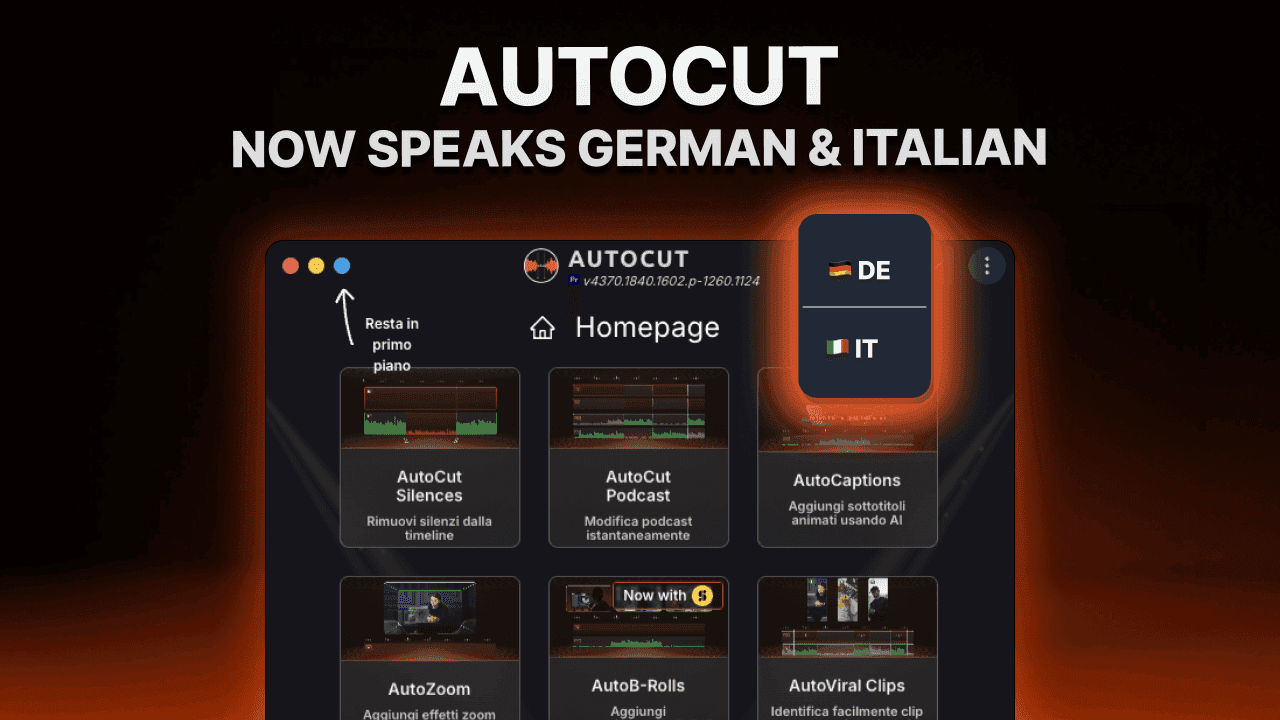
This update offers a smoother, more accessible experience for thousands of creators across Europe and brings us one step closer to making AI-powered editing available to everyone.