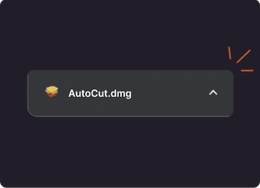
Find it in your downloads folder
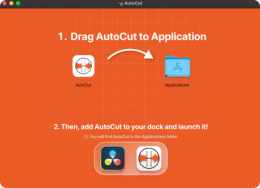
You just have to drag & drop the AutoCut logo onto the Applications folder
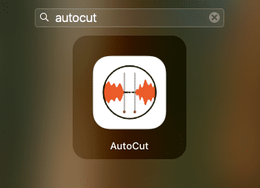
You can find it in the applications installed on your Mac
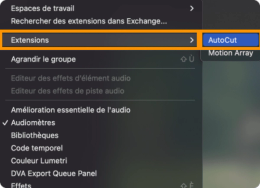
After restarting Premiere Pro, the AutoCut extension will be available
If your download hasn't started automatically, please click the button below to start it manually.

 AutoCaptions
 AutoCut Silences
 AutoCut Podcast
 AutoZoom
 AutoViral
 AutoB-Rolls
 AutoCut Repeat
 AutoProfanity Filter
 AutoChapters
 AutoResize
 Help Center
 Blog
Blog Discord
 YouTube
 Ambassador